

Getting Your Tablet Setup Right From Day One
Pressure sensitivity, driver settings, and workspace tips. Most beginners skip this and struggle later.
Both have their place. We break down what each does best and why starting with raster makes sense for most people.
You're sitting down to start digital illustration. You open software and immediately hit a question: vector or raster? It's not a simple answer, and honestly, that's the good news — it means you've got flexibility.
Here's the thing: raster graphics are made of pixels. Think of a photograph. Vector graphics use mathematical paths and points. Think of a logo. They're fundamentally different approaches, which means they're good at different jobs. Most beginners should start with raster. Not because vector is harder, but because raster teaches you drawing fundamentals that transfer everywhere.
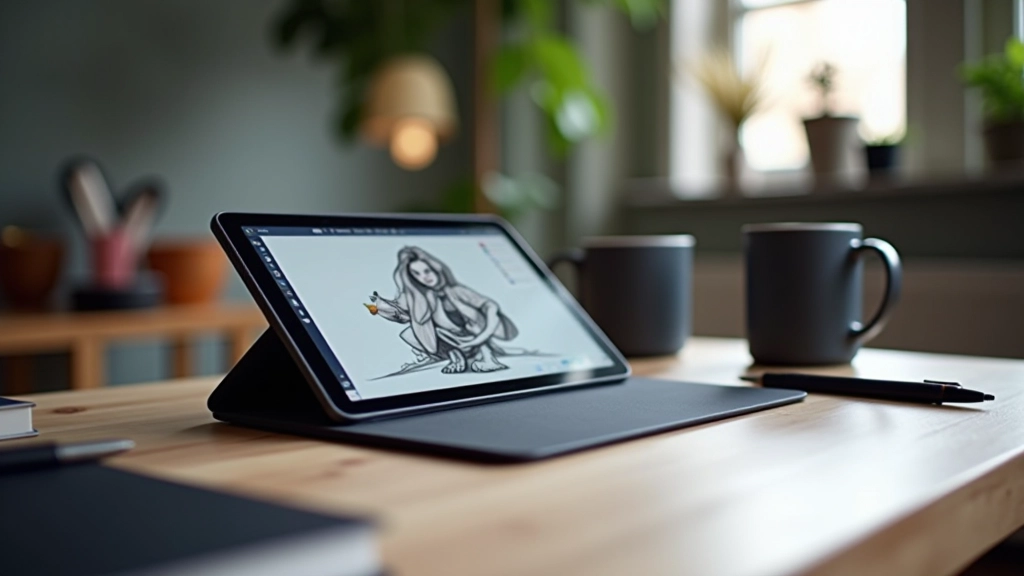

Raster is forgiving. You're literally painting with pixels. Brush pressure, opacity, texture — these feel natural because they work like real media. When you brush a stroke, you're adding pigment. When you erase, you're removing it. That's how drawing actually works.
Start with raster and you'll develop proper habits: understanding layers, managing resolution, thinking about file size. These aren't skills that disappear when you move to vector. They're foundational. Plus, most tablets come with raster software built in or bundled affordably.
The timeline matters: Most beginners see real progress in raster within 6-8 weeks. You'll have finished pieces. That confidence matters for sticking with it.
Vector isn't bad. It's different. It's incredible for logos, icons, illustrations that need to scale to any size without losing quality. A logo you design in vector at 2cm prints perfectly at 2 meters. Try that with raster and you're stuck with blurry edges.
Vector also forces precision. You're placing anchor points and adjusting curves. There's less room for accidental happy mistakes. Some people find that liberating. Others find it constraining when they're learning. That's why it's better learned after you understand composition and value.
Master raster fundamentals — brushwork, layers, color mixing
Learn vector principles — anchor points, bezier curves, paths
Combine both — sketch in raster, outline in vector, color in either
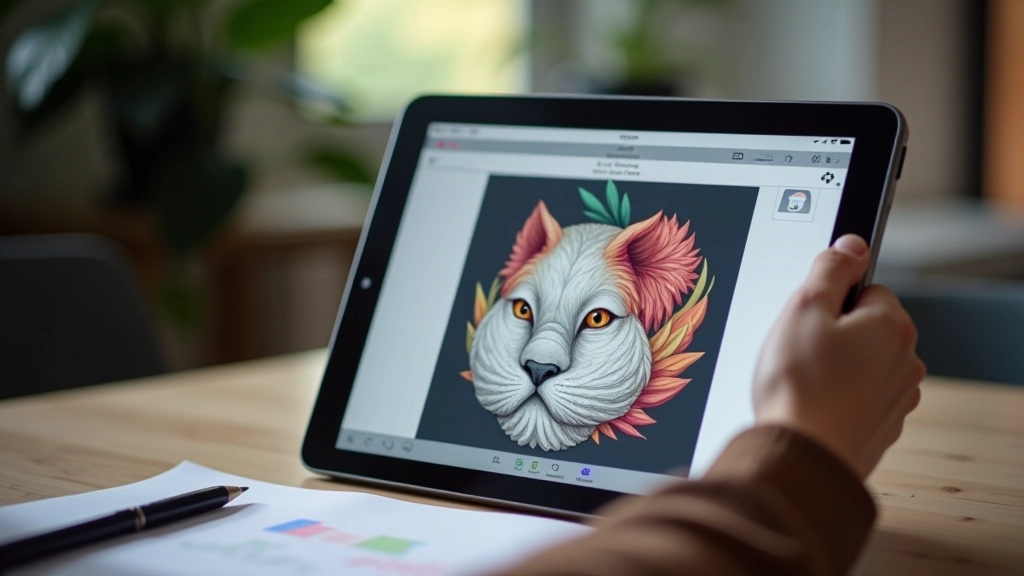
You don't need to choose one forever. Most professional illustrators use both. But for the first 2-3 months? Pick raster. Get comfortable with pressure sensitivity on your tablet, understand layers properly, and develop your eye for composition and color.
Software like Clip Studio Paint, Procreate, or Photoshop all handle raster beautifully. They're the industry standard for illustration work. You'll learn skills that stick with you whether you end up doing character design, concept art, or comic illustration.
Vector software — Adobe Illustrator, Affinity Designer, or free options like Inkscape — those will be there when you're ready. And you'll actually appreciate them more because you'll understand what you're building with. That's the honest path forward.

Note: Individual learning outcomes vary from person to person. Your path might be different depending on your goals, previous experience with design, and which software you have available. This guide reflects common beginner patterns, but there's no single right way to start digital illustration.
If you're asking "which should I learn first?" you're already thinking like an artist — asking the right questions before investing time. Start with raster. Build your fundamentals. Develop muscle memory with your tablet and stylus. Learn how pressure, opacity, and texture work together.
Then, when you're ready — maybe in 3-6 months — explore vector. You'll appreciate it more. You'll understand why certain tools exist and how to use them properly. And honestly? You'll probably find yourself switching between both depending on what you're creating. That's the professional approach anyway.
The best software is the one you actually use. So start simple. Start with raster. Start drawing.

Author
Editorial Team
Written by the deltarite editorial team, focused on clear, practical guidance for beginner digital illustrators.
Pressure sensitivity, driver settings, and workspace tips. Most beginners skip this and struggle later.
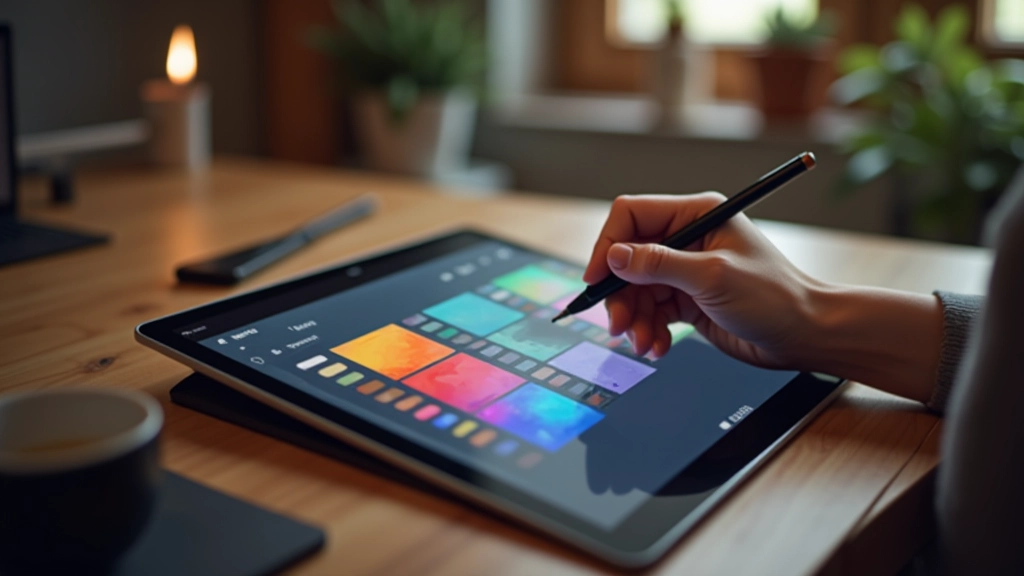
You don't need to understand every color model. These three principles will fix 90% of color problems.

A step-by-step breakdown of how professionals organize their layers, manage files, and finish pieces efficiently.